OnlyFans Account Hacked? Recovery and Prevention Steps
When your OnlyFans account gets hacked, it’s not just “annoying.” It can mean stolen payouts, mass DMs sent in your name, content leaked, and a scary loss of...
When your OnlyFans account gets hacked, it’s not just “annoying.” It can mean stolen payouts, mass DMs sent in your name, content leaked, and a scary loss of control over your online identity.
The good news is that most takeovers follow predictable patterns, which means you can respond fast, contain the damage, and make it much harder for it to happen again.
First: breathe, then confirm what’s happening
“Account hacked” usually looks like one of these:
- You can’t log in (password suddenly “wrong”).
- Your email or username was changed.
- You see posts, DMs, or PPV sent that you didn’t send.
- Your payout or banking details were changed.
- Fans tell you they received weird links, “meetups,” crypto requests, or aggressive sales scripts.
Sometimes it’s not a hack. It can be:
- A device/browser issue (old saved password, autofill wrong).
- A temporary lock after too many logins.
- An email inbox problem (password reset emails going to spam, or your email being compromised instead).
If anything financial was changed or messages were sent without you, treat it as a real takeover and move immediately.
The 15-minute containment plan (do this in order)
Your goal is simple: lock down the “keys” first (email, phone number, passwords), then your payouts, then your audience trust.
Lock down the email tied to OnlyFans
Your email is the master key because it controls password resets.
- Change your email password immediately (make it long and unique).
- Sign out of all other email sessions/devices (most email providers show “recent activity”).
- Turn on 2-step verification for your email account (authenticator app is safer than SMS).
- Check your email forwarding rules and filters (hackers often add a silent forward to themselves).
If you cannot get back into your email, start email recovery with your provider first. You can’t reliably recover OnlyFans without controlling the inbox.
Secure your phone number (SIM swap prevention)
If your carrier account is weak, someone can hijack SMS codes.
- Add a carrier PIN/passcode.
- Ask your carrier about “port-out protection” (names vary by carrier).
- If you suddenly lose service (no bars, no texts), contact your carrier right away.
Reset passwords (OnlyFans plus anything reused)
- Reset your OnlyFans password.
- Reset any other account where you reused that password (even “just a little”).
- Use a password manager so you can generate unique passwords going forward.
NIST’s current guidance emphasizes long passphrases and avoiding password reuse, which is exactly what most creators get hit by in credential-stuffing attacks.
Useful reference: NIST Digital Identity Guidelines.
Turn on OnlyFans security options that reduce takeovers
OnlyFans’ settings and features can change over time, so verify inside your dashboard. If you see any option for:
- Two-step verification / 2FA
- Login alerts
- Session/device management
Enable them and review them.
Freeze the money: audit payout and banking settings
If a hacker wants fast cash, they will change payout details.
- Check payout method, account numbers, and payout email.
- Check your legal name details (attackers sometimes change small fields to break future verification).
- If your platform allows it, remove payout methods and re-add after you are fully secured.
If you’re dealing with payout friction already (even without a hack), keep this guide bookmarked: International payouts: how to avoid common delays.
Recovery checklist (what to do today)
Here’s a clean “do it once, do it right” recovery audit.
| Task | Why it matters | What “done” looks like |
|---|---|---|
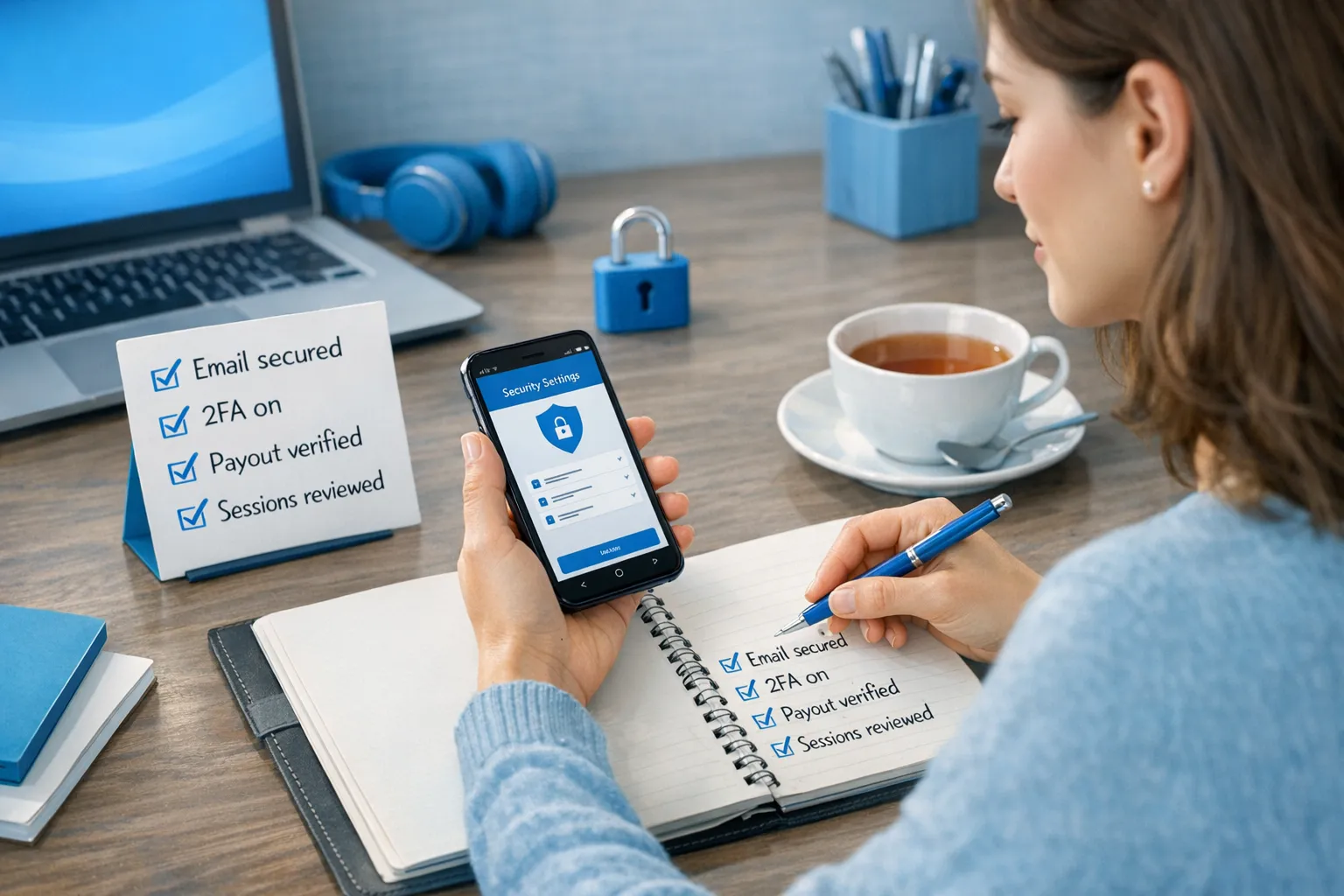
| Email secured | Stops password-reset hijacks | New password, 2FA enabled, no unknown sessions, no forwarding rules |
| OnlyFans password reset | Cuts off existing access paths | New unique password not used anywhere else |
| Sessions/devices reviewed | Kicks out unauthorized logins | Only your devices remain logged in (if this option exists) |
| Payout settings verified | Prevents stolen payouts | Payout method matches your real info |
| DM/post activity reviewed | Protects your reputation | You can identify and delete unauthorized content |
| Evidence saved | Helps support and disputes | Screenshots of emails, changes, suspicious DMs, payout edits |
Contacting OnlyFans support (what to send so they take it seriously)
When you contact support, you’ll get faster help if you send a clear “packet” up front.
Include:
- The account username and the email originally associated with the account.
- The time and date you noticed the takeover.
- What changed (email, password, payout method, DMs sent).
- Screenshots of suspicious emails or notifications.
- Approximate last known normal login (device and location if you know it).
Copy/paste support message template
You can paste this and edit the brackets:
Subject: Urgent: suspected account takeover
Hi Support,
I believe my OnlyFans account has been compromised.
- Username: [@username]
- Email originally on the account: [your email]
- Time I noticed: [date/time + timezone]
- Unauthorized actions observed: [email changed / password reset / payout changed / DMs sent / posts made]
I have secured my email account and updated passwords where possible. Please help me:
- Restore account access to the correct email
- Review and revert any unauthorized payout/banking changes
- Confirm whether any suspicious logins or sessions are active
Screenshots attached: [yes/no]
Thank you, [Your name]
If you worked with an agency, manager, chatter, or VA
This is a sensitive truth: a large percentage of “hacks” are access misuse, weak operational security, or someone on a team getting phished.
Do not panic, but do get very direct.
- Remove access immediately if you feel unsafe.
- Ask for a written timeline of who logged in, from where, and what tools they used.
- Request proof of how they store passwords (if the answer is “we keep it in a shared notes app,” that’s a risk).
- If they refuse transparency, treat that as a red flag.
If you want a deeper breakdown of scam patterns and takeover tactics, read: OnlyFans scam: how agencies, managers and chatters rob the creators and 6 red flags to watch out for before signing with an OnlyFans agency.
Reputation damage control (without spiraling)
If unauthorized DMs were sent, your best move is a calm, short clarification. You do not need to overexplain.
Copy/paste message to subscribers (simple and human)
“Hey love 🤍 Quick heads up: my account security was compromised and some messages may have gone out that weren’t from me. Please ignore any weird links or requests. I’ve secured everything and I’m back in control now.”
If money was taken from a fan via a scam link, do not promise refunds you can’t actually process. Instead, direct them to OnlyFans support for billing issues and keep your message clean.
After you regain access: do a full security audit (30 to 60 minutes)
Most creators stop once they can log in again, and that’s how they get rehacked.
Audit your content and DMs like a business owner
- Search DMs for common scam phrases you wouldn’t use (“crypto,” “investment,” “click here,” “WhatsApp,” “meet me,” etc.).
- Check your mass messages and scheduled posts.
- Verify your pricing, bundles, and PPV settings.
- Check your bio and link-in-bio for unauthorized changes.
Check your connected accounts and devices
Even if OnlyFans doesn’t show “connected apps” like some platforms do, you should still:
- Scan your computer for malware.
- Remove unknown browser extensions.
- Update your phone OS.
- Log out of shared devices (old iPads, ex-partner’s laptop, studio computers).
For practical anti-phishing habits and examples, CISA has a solid overview: CISA Phishing Guidance.
Prevention that actually fits a creator’s life (not tech-bro advice)
You don’t need to become a cybersecurity expert. You need a simple security stack you can maintain.
The “Creator Security Stack” (high impact, low drama)
- A dedicated email for OnlyFans and business tools (not the email you used for school, family, or your main socials).
- Password manager + unique passwords everywhere.
- Authenticator app 2FA on email, OnlyFans, Instagram, X, Reddit, and any cloud storage.
- Carrier PIN to reduce SIM swap risk.
- Separate devices or separate user profiles for work vs personal when possible.
A realistic boundary: who gets access to what
If you outsource anything (chat, marketing, editing), decide your “access policy” first.
A simple decision framework:
| Setup | When it makes sense | Main risk | Risk reducer |
|---|---|---|---|
| Solo only | You want maximum control and privacy | Burnout, slow responses | Work blocks, automation tools, strict routines |
| Contractors (chat/editing) | You have revenue but need time back | Password sharing, impersonation | Contracts, access logs where possible, clear DM voice rules |
| Full management | You’re scaling and need systems (marketing, chat, ops, protection) | Control tradeoffs | Vetting, transparency, exit plan |
If you’re debating whether to stay solo or bring in structured help, this breakdown is useful: Working with an agency vs running OnlyFans alone.
If content leaks happened after a hack
This is emotionally brutal, and it’s also solvable in layers.
What to do:
- Screenshot and save URLs where the stolen content appears (for evidence).
- File reports with the platform hosting the stolen content.
- Consider DMCA takedown support if you’re overwhelmed.
This is educational, not legal advice. Laws and platform processes change, so verify with official documentation or a qualified professional.
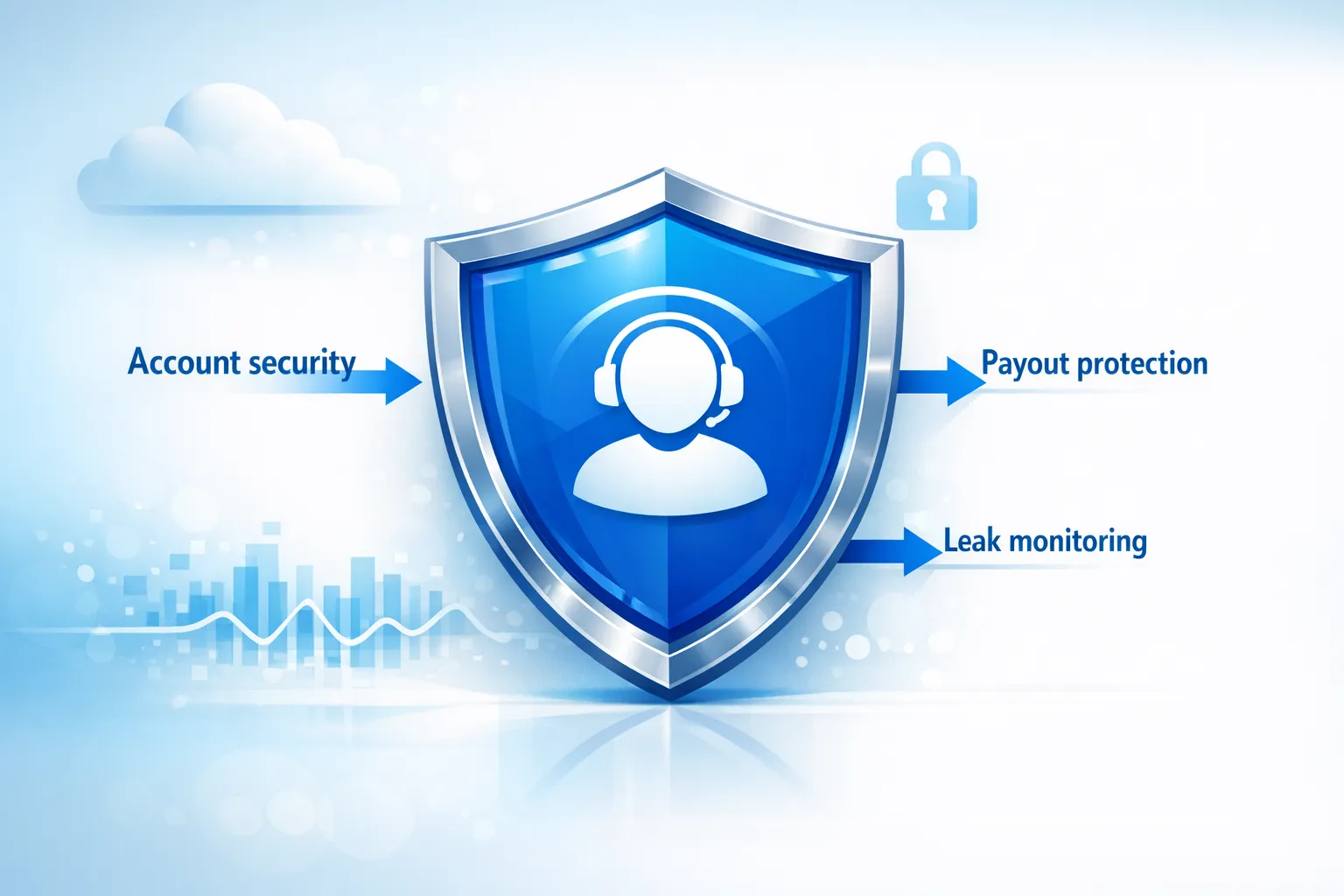
If you want to understand what ongoing leak monitoring and takedowns can look like as part of management, Lookstars mentions content protection as a core service on their site (and it’s also referenced in multiple guides). You can start here and explore the resources: Lookstars Agency.
When it’s time to get help (and what help should actually do)
You should consider outside help if:
- You were hacked twice (that usually signals a systemic gap).
- You’re too anxious to stay consistent, or you keep doom-scrolling leak sites.
- Your DMs, promo accounts, and content storage are a messy web of logins you can’t audit.
- You’re scaling and now your account is a real business asset.
A legitimate management partner should be able to explain their security and privacy process clearly, including how they handle:
- Privacy setup and country blocking (where available)
- Leak monitoring and takedown workflow
- Operational access (who logs in, how passwords are stored, what happens if you leave)
If you want a transparent overview of what working with Lookstars can look like (including tradeoffs), this is a good starting point: Lookstars Agency review: honest pros, cons & results.
The bottom line
A hacked OnlyFans account feels personal because it is personal. But recovery is a process you can run like a checklist, not a crisis you have to emotionally freestyle.
Secure your email first, lock down passwords and 2FA, verify payouts, document everything, then do a prevention audit that fits your real life. That combination is what stops repeat attacks.
If you’re tired of doing all of this alone, and you want structured help with growth, operations, privacy, and content leak protection, you can learn more about Lookstars here: Lookstars OnlyFans management agency.


Ready to transform your career?
Join hundreds of creators already earning six figures with Lookstars Agency.
Share this article
Best OnlyFans Agency
Europe's Leading OnlyFans Management Agency.
100% Free Ebook
Get our guide and unlock the secrets to OnlyFans success.
100% Free Ebook
Get our guide and unlock the secrets to OnlyFans success.
Free Revenue Calculator & Profile Analyzer
Try them for freeContinue reading...

Am I Attractive Enough for an OnlyFans Agency? The Answer

Can You Ever Fully Delete Your OnlyFans Content? The Reality
