How to use AI to make more money on OnlyFans
Learn how to use AI tools to make more money on OnlyFans. Discover AI for content creation and subscriber management that saves time and increases revenue.
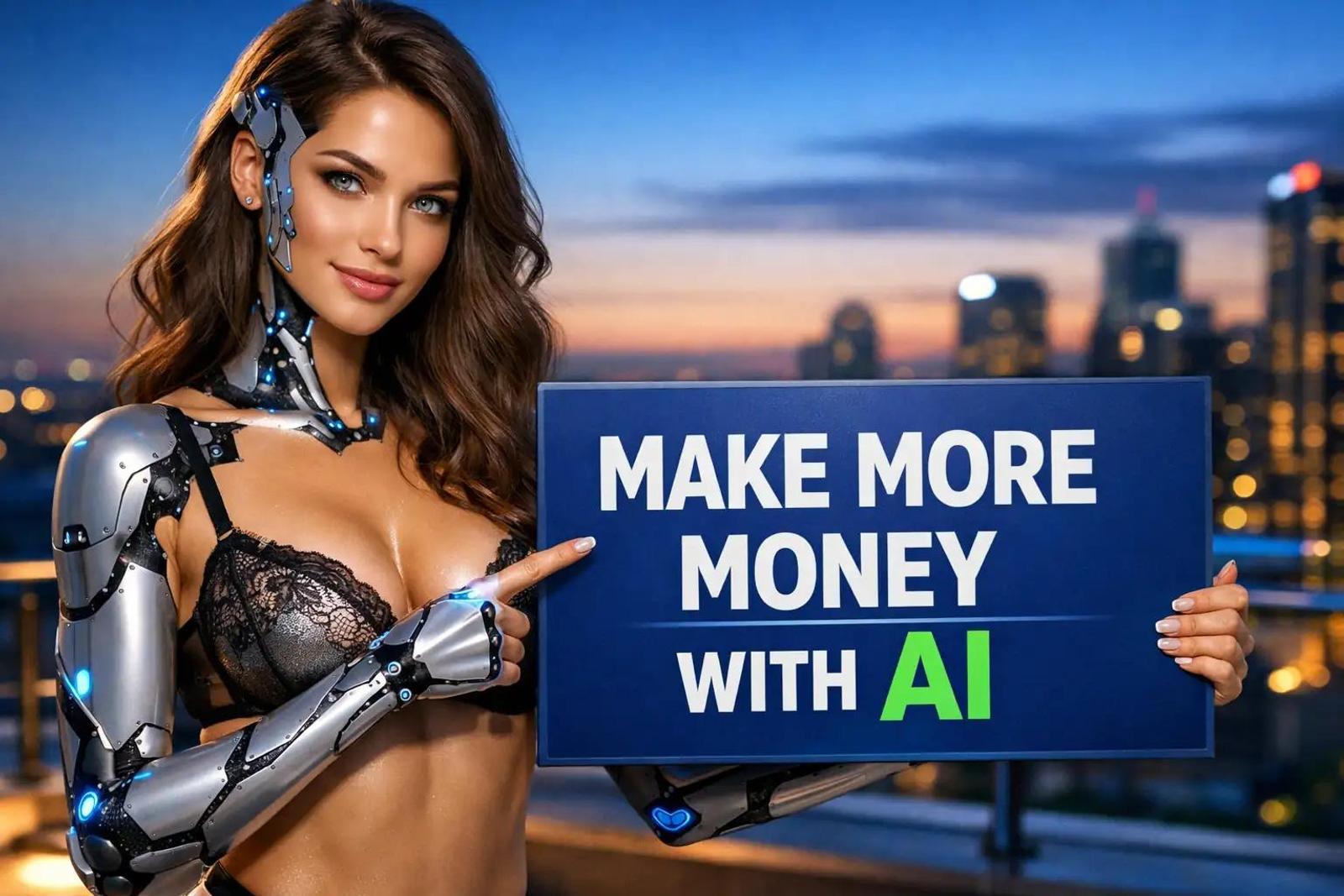
Most creators hit a hard income ceiling around $2,000 to $5,000 per month.
The reason is simple. You only have so many hours in a day. You spend 8 hours daily answering repetitive DMs, editing photos, and trying to think of captions. You physically cannot work more.
Meanwhile, creators using AI tools strategically scale to $15,000 or even $40,000 monthly without working extra hours. They do not work harder. They use software to remove the time bottlenecks that cap your income.
This guide explains exactly how to use AI for chat drafting, photo enhancement, video editing, and content planning to break through that income ceiling.
How Can AI Help Me Chat with More Subscribers?
AI chat tools help you manage 200+ conversations simultaneously instead of the usual 20-30 manual conversations. This directly increases PPV sales because 60-70% of creator income comes from selling content through DMs, not subscriptions.
The real money on OnlyFans comes from selling content through messages. Your $10 subscription only makes you $8 after fees. That same subscriber buying $100 in PPV monthly makes you $80.
Without AI, you can realistically manage 20 to 30 active conversations daily before you burn out. With AI drafting responses, that number jumps to 200 or 300 because the software handles the time-consuming typing and thinking.
The math is simple. If 10% of chatting subscribers buy PPV at a $50 average, here is the difference:
| Method | Conversations Daily | Buyers (10% conversion) | Daily Revenue | Monthly Revenue |
|---|---|---|---|---|
| Manual Chatting | 30 | 3 | $150 | $4,500 |
| AI-Assisted Chatting | 200 | 20 | $1,000 | $30,000 |
Chat AI tools that actually work
You need tools that integrate with your workflow.
- Supercreator ($15/month + 5% of sales): This tool analyzes subscriber history and drafts responses for you. You simply pick which draft to send and personalize it. Over 25,000 creators use this to speed up their DMs.
- ChatPersona: This AI trains on your actual chat style. The drafts sound like you rather than a robot. It is popular with agencies managing multiple creators.
- ChatGPT: This works well if you give it specific prompts. You can tell it: "You're helping me reply to a subscriber who just said [message]. Draft 3 response options that are flirty, short, and lead to selling my new video set."
The workflow is straightforward. The AI analyzes the incoming message. It generates 2 to 3 response options. You pick one, add personal touches, and send. The AI handles the drafting. You handle the sales trigger.
If you are unsure how to structure your sales process once you have these tools, read this guide: How to Sell Content on OnlyFans: A Step-by-Step Guide.
What AI Tools Work Best for Photo Editing?
AI photo editing tools help you enhance lighting, remove backgrounds, and fix imperfections in seconds instead of 20-30 minutes per photo. Posting 3-5 times daily across platforms is necessary for growth, and AI makes that volume sustainable.
Manual editing is a massive time sink. These tools speed it up.
- Remini: Enhances blurry photos and fixes lighting in about 10 seconds. The free version works fine for most needs.
- FaceApp: Adjusts facial features and adds makeup effects. This allows you to create variations of the same look without reshooting.
- Adobe Lightroom Mobile ($10/month): Offers AI auto-enhance with one tap.
- Remove.bg: Strips backgrounds instantly. It is free for low-res images and $9/month for high-res.
- Canva: Has built-in AI background removal plus templates for promotional graphics. The free version works well.
For AI-generated content, you can use Midjourney ($10/month) or DALL-E 3 (through ChatGPT Plus). These create artistic photos from text descriptions. Use these to supplement your real content, not replace it.
This speed allows you to produce 5x more polished content in the same amount of time. If you have a backlog of content you need to organize before editing, check out: OnlyFans Content Vault: Organize Sets for Faster Sales.
How Do I Use AI for Video Creation and Editing?
AI video tools turn long content into 10-15 short clips automatically, add captions, and edit faster. Short-form video on TikTok, Reels, and Shorts drives 70%+ of new traffic, but creating enough volume manually is nearly impossible.
You cannot grow effectively today without short-form video. Here is the tech stack that solves the volume problem.
- Opus Clip ($19/month): Turns one long video into 10-15 short clips. It automatically adds captions and gives each clip a virality score. This is important for repurposing content.
- CapCut: Includes AI auto-captions, background removal, and trending templates. It is free and is the industry standard for TikTok creators.
- Descript ($12/month): Transcribes video and lets you edit the video by editing the text. It removes filler words automatically.
- Runway ML ($12/month): Offers AI background replacement and object removal.
The 10x Content Workflow
- Record a 10-minute video.
- Run it through Opus Clip to generate 12 clips.
- Pick the best 5 clips.
- Add effects in CapCut.
- Post across platforms.
One recording becomes a week of content.
You can also use ChatGPT and Claude to write video hooks. Use this prompt: "Write 5 TikTok hooks about [topic] that create curiosity without being explicit."
For more on turning these clips into actual subscribers, read: OnlyFans Marketing Funnel: From Social Click to Paid Sub.
Lookstars is an OnlyFans management agency that supports creators with multi-platform marketing, 24/7 fan chatting, strategic posting management, privacy setup, and content leak protection, with no upfront costs and flexible cancel-anytime contracts.
Apply here: Lookstars Agency
Can AI Help with Marketing and Content Planning?
AI content planning tools generate 30 days of post ideas, write captions, and automate Reddit/Twitter posting. Consistent posting across 4-5 platforms drives growth, and planning manually often leads to creator burnout within weeks.
You need a strategy that does not require you to stare at a blank screen every morning.
- ChatGPT: Creates monthly content calendars. Prompt: "Create a 30-day OnlyFans content calendar with themes, caption ideas, and posting schedule."
- GPTease ($20/month): Built specifically for adult creators with no content restrictions. It generates captions, sexting scripts, and marketing copy.
- Social Rise: Automates Reddit posting with AI-generated titles. One creator generated 105 posts weekly in 30 minutes instead of 10+ hours.
For captions, let AI write the first draft. You personalize it. Try this prompt: "Write 5 Instagram captions for a gym selfie that hint at spicy content without being explicit."
You can also use ChatGPT to analyze competitors: "Paste 10 viral captions from similar creators. Analyze what makes them work and write 5 new ones in that style."
Using these tools frees up 10-15 hours weekly. For a strategy to use that free time effectively, see: Three-Post Weekly Strategy for Busy Creators.
How Do I Balance AI Efficiency with Personal Connection?
You balance AI and personal touch by using AI for routine tasks while personally handling high-value activities. Subscribers pay for connection with you, not efficient customer service, so you must intervene where it counts.
You should not automate everything. Use this decision matrix to decide what to hand off to AI.
The Hybrid Workflow Matrix
| Task Type | Who Handles It? | Examples |
|---|---|---|
| Routine & Repetitive | AI Tools | Drafting replies, scheduling posts, removing backgrounds, creating clip variations. |
| High Value & Personal | You | Conversations with $100+ spenders, custom negotiations, verification photos, creative direction. |
Personalization Tips
When using AI chat drafts, you must add specific elements to avoid sounding robotic:
- The subscriber's name.
- A reference to something they mentioned previously.
- Your authentic personality touches.
- Follow-up questions about their interests.
AI drafts often sound generic. Your job is to make them sound like you before you hit send.
Scaling Smart Based on Income
- Creators earning $5k-10k monthly: Use AI for 40-50% of tasks.
- Creators earning $10k-25k monthly: Use AI for 60-70% of tasks.
- Creators earning $25k+ monthly: Use AI heavily. Reserve personal attention for the top 20% of spenders.
The goal is efficiency without losing authenticity. AI handles volume. You handle connection.
If you struggle to convert casual fans into high spenders even with AI, this guide will help: How to Turn a Casual Fan Into a High Spender on OnlyFans.
Lookstars is an OnlyFans management agency that supports creators with multi-platform marketing, 24/7 fan chatting, strategic posting management, privacy setup, and content leak protection, with no upfront costs and flexible cancel-anytime contracts.
Apply here: Lookstars Agency
Frequently Asked Questions About AI Tools for OnlyFans
Which AI tool should I start with first? Start with chat assistance like Supercreator or ChatGPT. Messaging drives 60-70% of income, so this has the biggest financial impact. Once you are comfortable there, add photo editing tools like Remini or CapCut, then move to video tools like Opus Clip. Do not try to implement everything at once.
How much do these AI tools cost monthly? You should budget $50-100 monthly for a full AI stack. This typically includes ChatGPT Plus ($20), Opus Clip ($19), and Supercreator ($15 + 5% sales), plus free tools like CapCut and Remini. This investment pays for itself quickly when it doubles your output.
Will subscribers know I'm using AI assistance? Not if you personalize the drafts properly. AI-generated text can sound generic. However, adding specific details about the subscriber, referencing past conversations, and adjusting the tone makes messages feel personal. The personalization step is big.
Can I use AI for creating all my content? No. AI should supplement your real content, not replace it. Use AI for photo enhancement, video editing, and creating variations of existing content. Your authentic self is what subscribers pay for. AI is the efficiency tool, not the product.
How long does it take to learn these tools? Most creators get comfortable within 1-2 weeks. Start with one tool, learn it well, then add the next. The learning curve is mainly understanding which tasks need heavy personalization versus which can use AI with light editing.
Should I mention using a team or AI in my bio? No. Do not mention anything about who handles messages or your operational process. Keep your bio focused on your content, personality, and what subscribers get. The less said about the backend, the better. For more on bio strategy, read: 21 Best OnlyFans Bio Ideas (That Actually Get Subs).
Lookstars is an OnlyFans management agency that supports creators with multi-platform marketing, 24/7 fan chatting, strategic posting management, privacy setup, and content leak protection, with no upfront costs and flexible cancel-anytime contracts.
Apply here: Lookstars Agency
Ready to transform your career?
Join hundreds of creators already earning six figures with Lookstars Agency.
Share this article
Best OnlyFans Agency
Europe's Leading OnlyFans Management Agency.
100% Free Ebook
Get our guide and unlock the secrets to OnlyFans success.
100% Free Ebook
Get our guide and unlock the secrets to OnlyFans success.
Free Revenue Calculator & Profile Analyzer
Try them for freeContinue reading...

Am I Attractive Enough for an OnlyFans Agency? The Answer

Can You Ever Fully Delete Your OnlyFans Content? The Reality
